- Industries
- Features
- Pricing
- Resources


Quick Summary
Finding the best construction timesheet app is crucial for UK businesses aiming to control labour costs and ensure accurate payroll in 2026.
Manual paper timesheets lead to errors, time theft, and wasted admin hours. This guide reviews the top 7 apps, focusing on features vital for the UK construction industry, such as robust GPS tracking, geofencing to prevent off-site clock-ins, and seamless integration with payroll systems like BrightPay.
TimeKeeper stands out as the number one choice, specifically designed for UK construction with its unique Triple Lock™ verification system that eliminates buddy punching.
Discover below how TimeKeeper and other leading apps can provide real-time job costing, streamline payroll from days to hours, and give you clear visibility of your workforce. This comparison of features, pros, and cons will help you select the ideal solution to boost your firm's profitability.
Detailed Review
For UK construction businesses, chasing paper timesheets from a wet, muddy site is a frustratingly common end to the week. These manual processes are not just inefficient; they’re a direct drain on profitability. In 2026, with labour costs rising and project margins tightening, relying on error-prone paper or spreadsheets is a risk most firms can no longer afford. Manual data entry leads to payroll errors, project cost uncertainty, and countless hours wasted for your payroll administrator.
The solution is a dedicated construction timesheet app. These powerful tools do more than just record hours; they provide real-time visibility into who is on-site, prevent time theft, and deliver accurate data for payroll and job costing. This guide breaks down the top 8 options for UK construction firms, helping you choose the right system to protect your profits and streamline your operations.
Here are our top 8 timesheet apps for UK construction companies in 2026:
- TimeKeeper - Best Overall for UK Construction
- QuickBooks Time - Best for QuickBooks Users
- Exaktime - Best for Rugged Hardware
- ClockShark - Best for Ease of Use
- Workyard - Best for All-in-One Job Management
- Buddy Punch - Best for Simple Clock-In/Out
- busybusy - Best Free Option
We'll now explore the specific features, benefits, and potential drawbacks of each app to help you make an informed decision for your business.
1. TimeKeeper
Best Overall for UK Construction
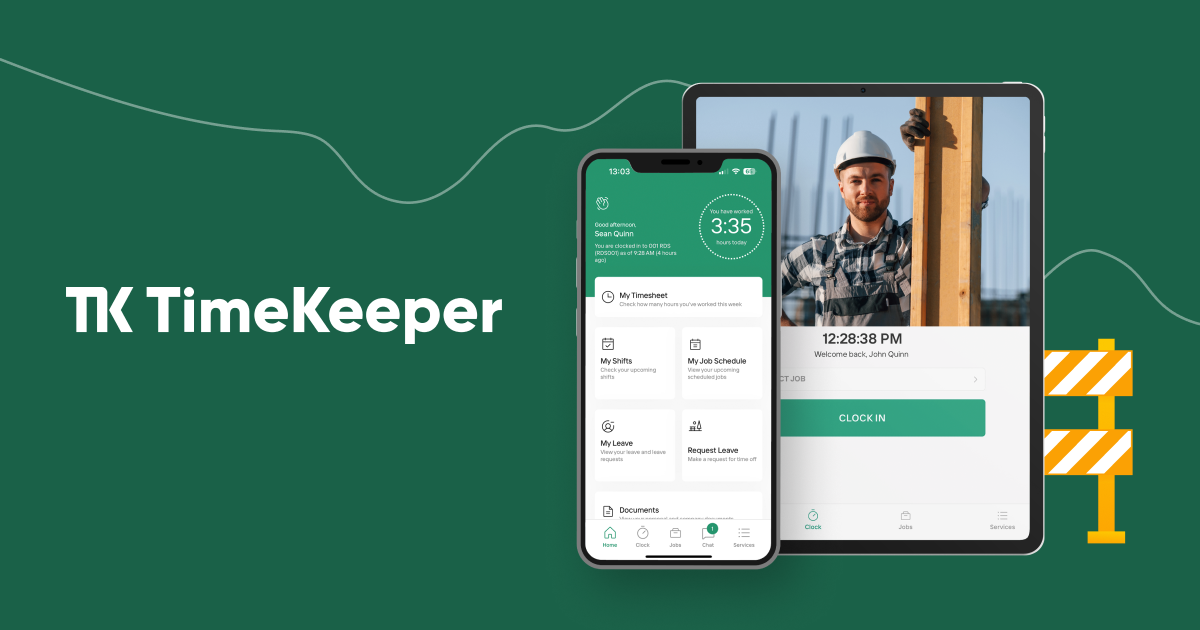
TimeKeeper is the only time and attendance platform on this list built specifically for the way UK construction and field service companies work. It directly addresses the industry's biggest challenges—time theft, inaccurate job costing, and slow payroll—with a unique and powerful system.
Its standout feature is the TimeKeeper Triple Lock™, a three-part verification system that ensures payroll accuracy. It confirms the Right Person with photo capture and facial recognition, the Right Location with GPS and geofencing, and the Right Time with server-side validation. This framework virtually eliminates buddy punching and time fraud.
Crucially for UK businesses, TimeKeeper offers a native, seamless integration with BrightPay, one of the UK’s most popular payroll systems. This means no more manual data entry, saving your payroll administrator days of work each month.
Key Features:
- The TimeKeeper Triple Lock™: Unique system using photos, facial recognition, and GPS to guarantee accurate clock-ins.
- Native BrightPay Integration: The only app on the list with a deep, direct integration into BrightPay payroll software.
- GPS Tracking & Geofencing: Provides real-time visibility of who is on-site and prevents staff from clocking in until they arrive.
- Mobile & Kiosk Apps: Staff can clock in individually on their phones or via a central tablet (kiosk) on site.
- Automated Overtime & Leave: Handles complex UK overtime rules and manages holiday requests digitally.
- Instant Job Costing Reports: Track labour costs against specific jobs in real-time to protect project profitability.
Pros:
- Purpose-built for the UK construction industry’s specific needs.
- The Triple Lock™ system is the most robust solution for preventing buddy punching.
- Massive time savings for payroll admins using BrightPay.
- Extremely easy for non-technical site workers to use.
- Excellent UK-based customer support.
Cons:
- Focused purely on time and attendance, not a full job management suite.
- Requires smartphones or tablets on-site for clocking in.
2. QuickBooks Time
Best for QuickBooks Users
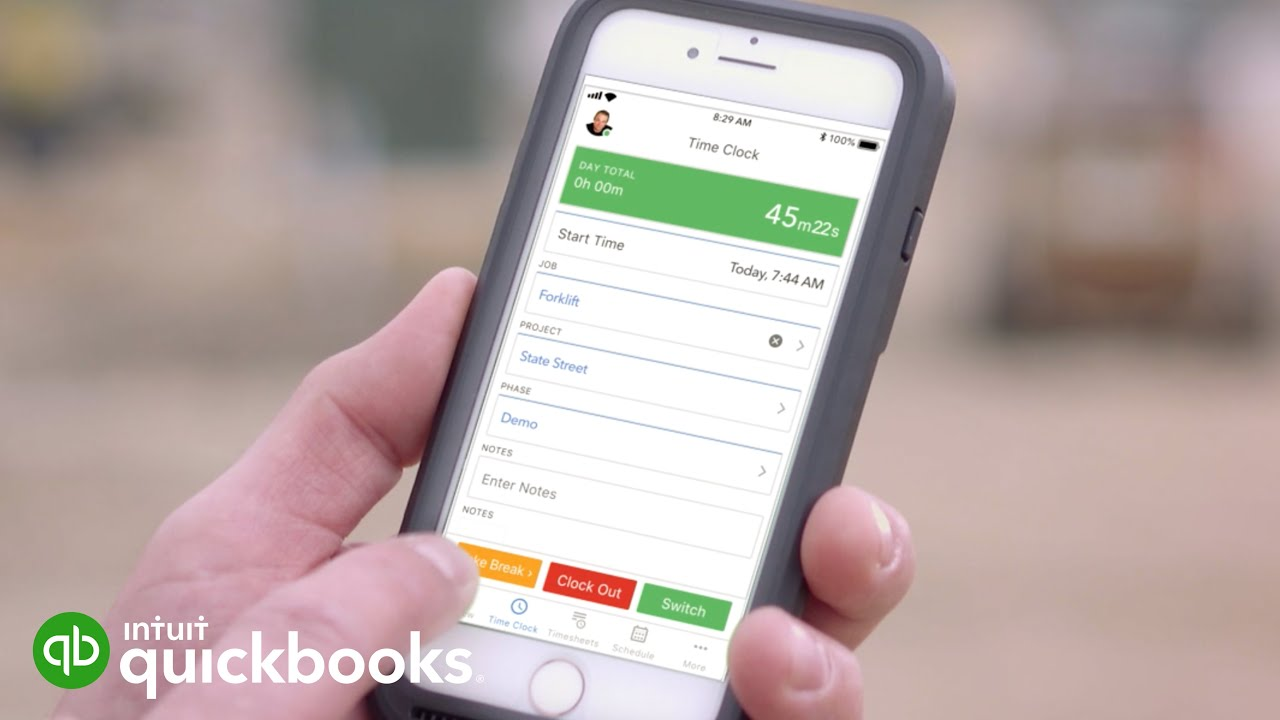
QuickBooks Time (formerly TSheets) is a powerful time tracking tool that is a natural choice for construction firms already using QuickBooks for their accounting. Its biggest strength is its seamless integration with the QuickBooks ecosystem, which can simplify payroll and invoicing if you're committed to that platform.
While a solid general-purpose tool, it lacks some of the construction-specific verification features, like mandatory photo capture on every clock-in, that prevent time theft.
Key Features:
- Deep QuickBooks Integration: Syncs hours directly to QuickBooks for payroll and invoicing.
- GPS Tracking: ‘Who’s Working’ window shows where your team is located during their shift.
- Project Tracking: Allows employees to assign their time to specific jobs or tasks.
- Mobile App with Scheduling: Staff can clock in and view their schedules from their phones.
Pros:
- Unbeatable integration with QuickBooks Online and Desktop.
- User-friendly interface that is easy to learn.
- Reliable and well-supported by a major brand.
Cons:
- Not specifically designed for the construction industry.
- Lacks robust anti-buddy punching features like photo verification.
- Can become expensive, particularly for larger teams.
3. Exaktime
Best for Rugged Hardware
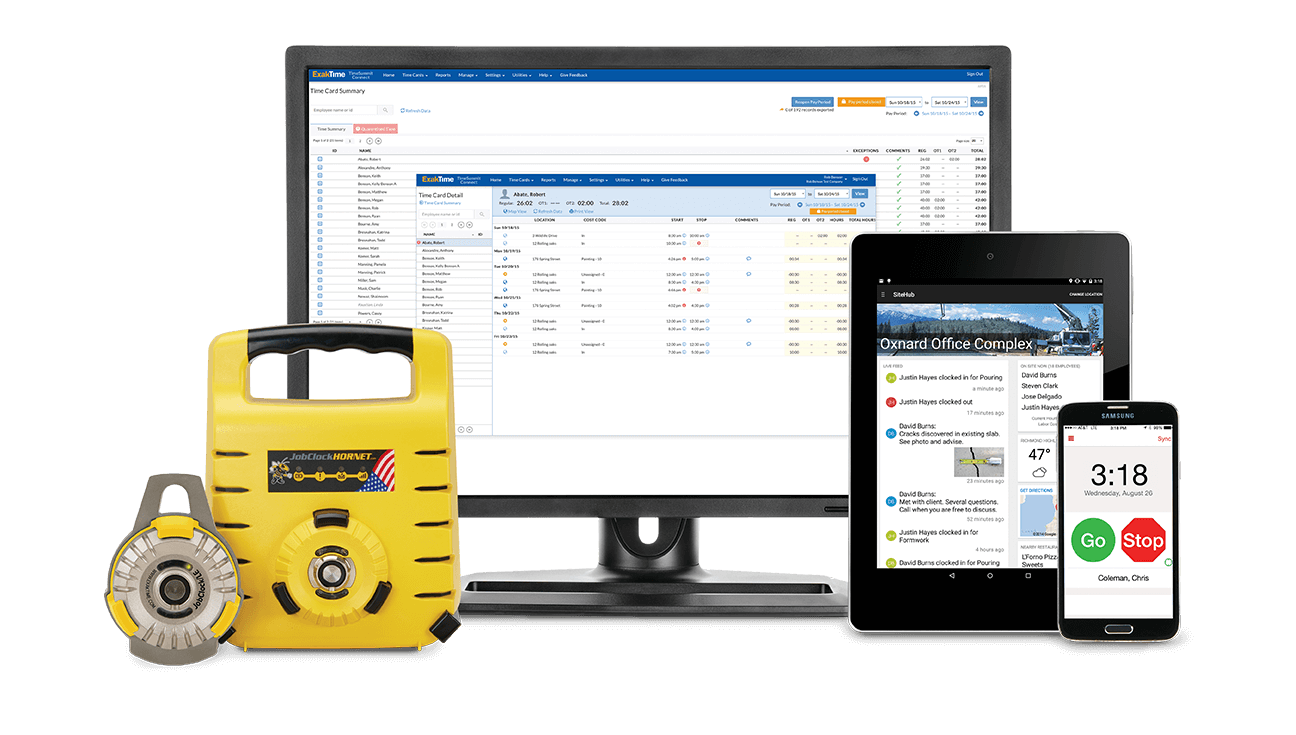
Exaktime is a long-standing player in the construction time tracking market, originating in the US. It's known for its extremely durable, rugged hardware clocks designed to withstand harsh site conditions. This makes it a great option for companies that prefer a physical clock-in station rather than relying on employee phones.
It offers a comprehensive software platform with GPS tracking and detailed reporting, but its US focus means it lacks native integrations with UK-specific payroll software like BrightPay.
Key Features:
- Rugged Time Clocks: Very durable hardware designed for tough environments.
- Mobile App: A capable mobile app for workers in the field.
- GPS Tracking: Tracks employee locations to verify they are on-site.
- Detailed Reporting: Offers a wide range of reports for payroll and compliance.
Pros:
- Industry-leading hardware for durability on construction sites.
- A mature product with a comprehensive feature set.
Cons:
- Hardware can represent a significant upfront cost.
- The software can feel dated compared to more modern alternatives.
- Lacks integrations with UK-specific payroll platforms.
4. ClockShark
Best for USA companies who need location monitoring
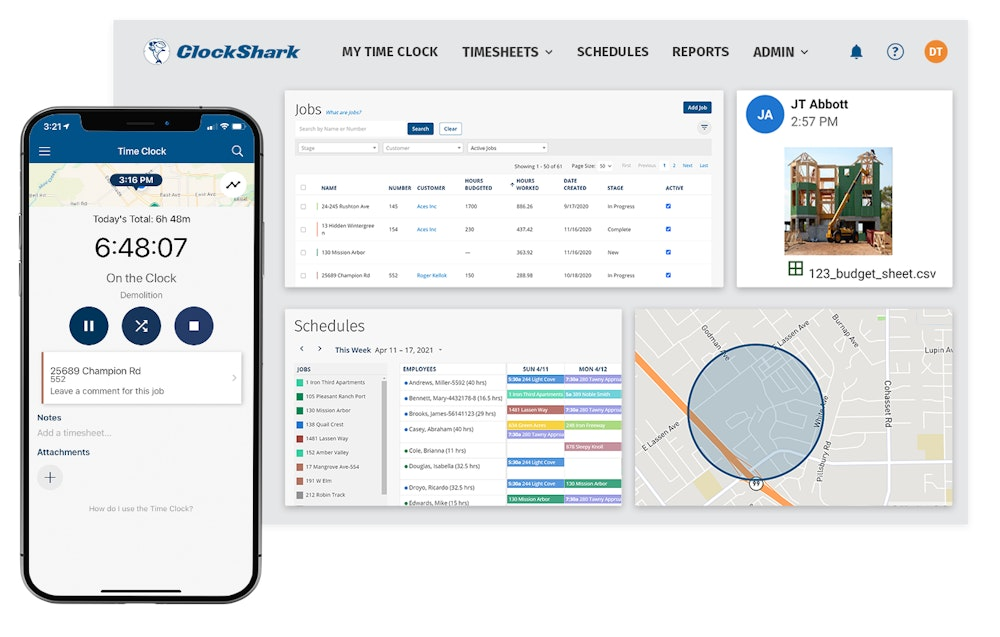
ClockShark is a popular choice for construction and field service in the USA companies due to its simple and intuitive interface. It's designed to be easy for both managers in the office and crews on site to use with minimal training.
The platform includes mobile time tracking with GPS, basic scheduling, and job costing features. While it captures a GPS location at clock-in, it doesn't have advanced verification like facial recognition, which can still leave businesses vulnerable to buddy punching.
Key Features:
- Simple Mobile Time Tracking: Easy clock-in/out process with GPS verification.
- Drag-and-Drop Scheduling: Straightforward scheduling for managing shifts and jobs.
- Job Costing & Reporting: Track time against jobs and run reports for payroll.
- KioskClock™ Feature: Allows multiple employees to clock in from a single tablet.
Pros:
- Relatively user-friendly and easy to deploy to your team.
- Good balance of features for small to medium-sized businesses.
Cons:
- Continuous location monitoring may not be allowed in the EU due to GDPR
- Unable to verify the right person clocked in with a photo or facial recognition
- Considerably more expensive than alternatives
5. Workyard
Best for All-in-One Job Management
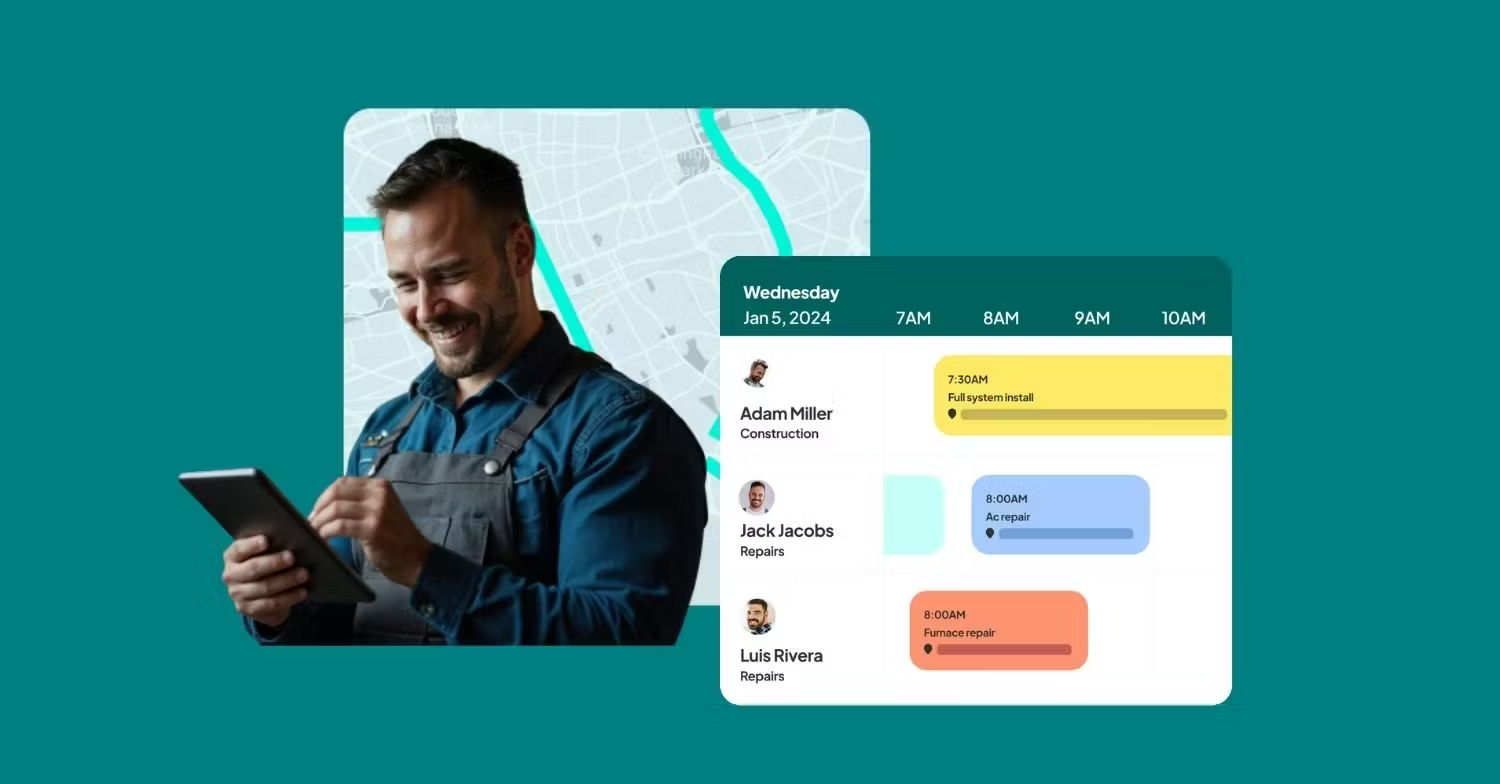
Workyard aims to be more than just a timesheet app. It combines time tracking with scheduling, task management, and even tools to help with hiring. Its main draw is its highly accurate GPS tracking, which offers a detailed view of where your crew has been throughout the day.
This all-in-one approach can be beneficial for companies looking to solve multiple problems with one platform, but it can also be overly complex for those who just need to solve their payroll and time theft issues.
Key Features:
- High-Accuracy GPS Tracking: Provides detailed location data throughout the day.
- Combined Scheduling & Task Management: Create schedules and assign specific tasks to your crew.
- Job Site Notes & Photos: Allows for better communication between the field and the office.
Pros:
- Excellent GPS tracking capabilities.
- Combines several management tools into one platform.
Cons:
- Can be more complicated and expensive than a dedicated timesheet app.
- The breadth of features may be overwhelming and overkill for some users.
6. Buddy Punch
Best for Simple Clock-In/Out
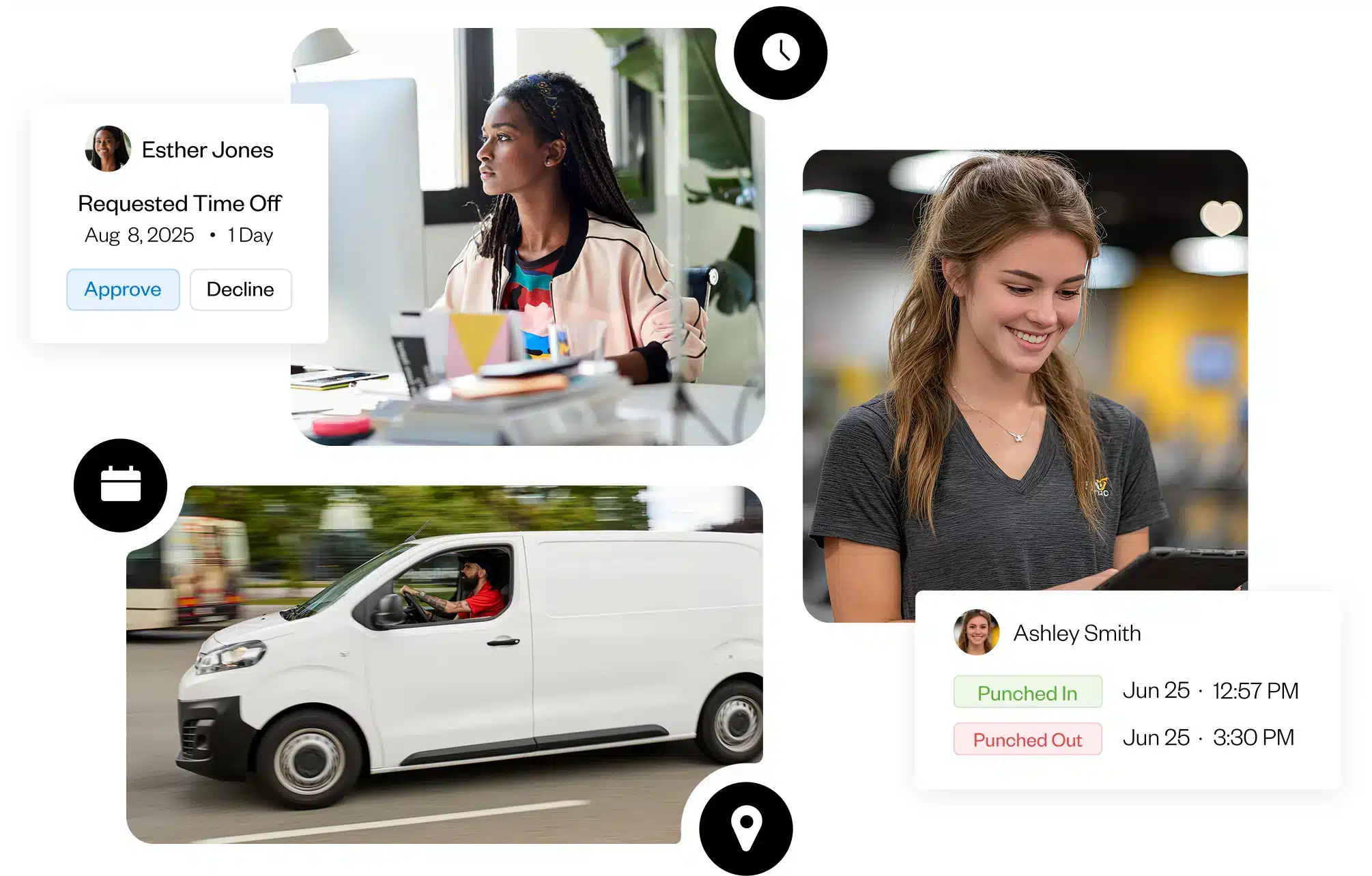
As the name suggests, Buddy Punch was created to solve the problem of buddy punching. It offers a straightforward and flexible time tracking system that can be used via web browser, mobile app, or as a kiosk.
It includes features like photo capture, IP address locking, and geofencing to help ensure accuracy. It's a solid, no-frills option for businesses looking for a simple and affordable way to digitise their time tracking.
Key Features:
- Photo Capture: Takes a photo of the employee on clock-in for verification.
- Flexible Clock-in Options: Use via web, mobile, or tablet kiosk.
- Geofencing & IP Address Locking: Restricts where employees can clock in from.
Pros:
- Affordable and easy to set up.
- Good core features for preventing basic time theft.
Cons:
- The user interface can feel less modern than competitors.
- Lacks deeper job costing and reporting features for construction.
7. busybusy
Best Free Option
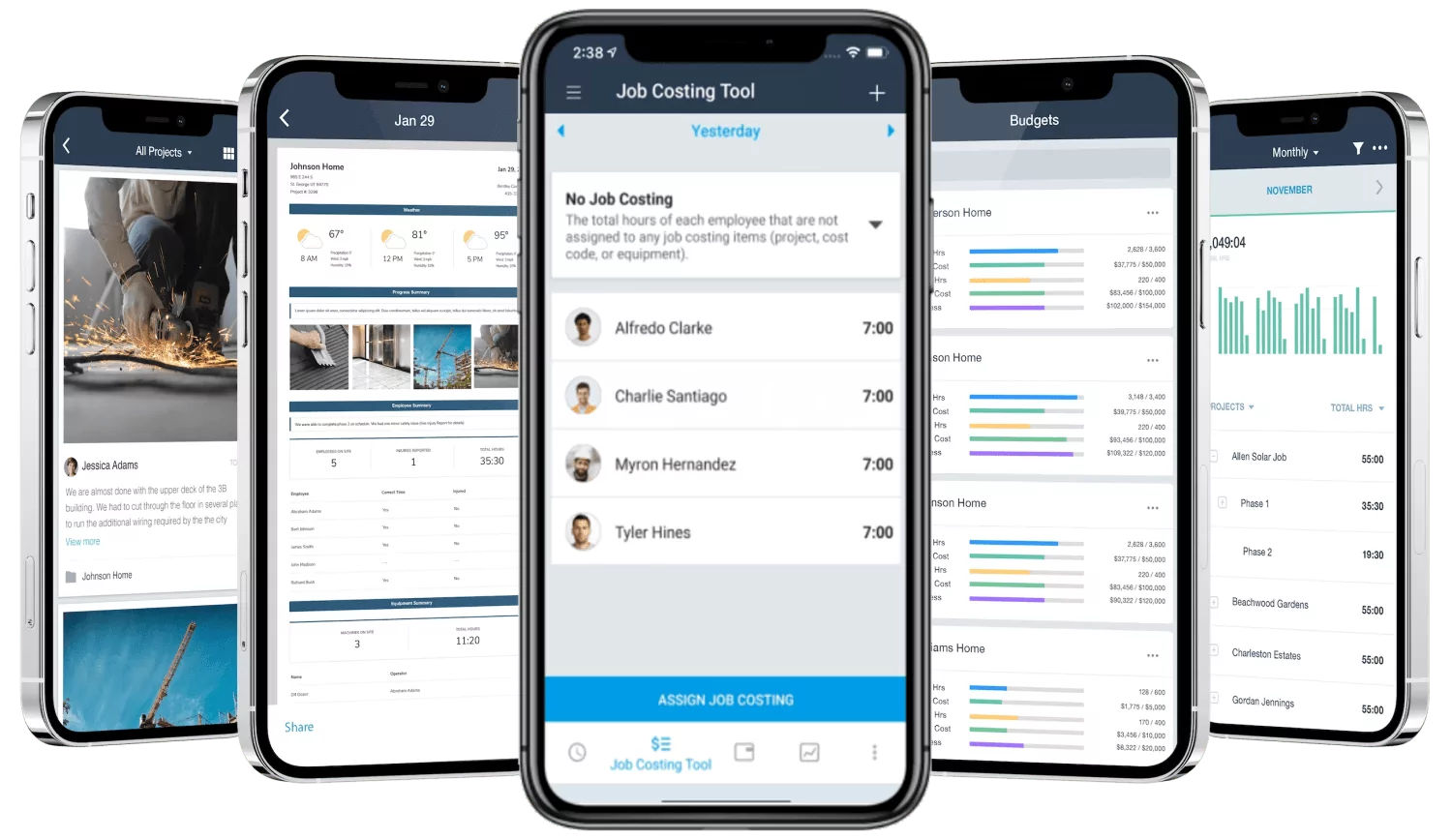
busybusy is one of the few timesheet apps that offers a genuinely free plan, which makes it an attractive option for small startups or subcontractors looking to move away from paper without any financial commitment. The free version includes basic time tracking with GPS and job costing.
However, many of the features essential for a growing construction business, such as scheduling, instant reporting, and kiosk mode, are reserved for their paid plans.
Key Features:
- Free Time Tracking: A capable free plan for basic needs.
- GPS Stamping: Records location at clock-in and clock-out.
- Job Costing: Assign hours to specific projects.
Pros:
- The free plan is a great starting point for small crews.
- Designed with construction in mind.
Cons:
- The free plan is quite limited which means you will quickly have to upgrade to a paid plan
- The paid plans can be more expensive than more feature-rich competitors.
Key Features for UK Construction Timesheet Apps
When choosing an app, prioritise features that solve real-world site problems:
- Anti-Buddy Punching: Look for photo capture or facial recognition. This is non-negotiable for eliminating time theft.
- GPS Tracking & Geofencing: You need to know your team is on-site when they clock in. Geofencing automates this by preventing clock-ins outside the job site boundary.
- BrightPay Integration: If you use BrightPay, a native integration is a must-have. It will save your admin team days of work and eliminate costly data entry errors.
- Job Costing: To run a profitable business, you need to know exactly how many labour hours are going into each project. The app should make this easy to track.
- Ease of Use: The system is only effective if your crew uses it. Choose an app that is simple, clear, and works on the devices they already have.
- Offline Mode: Construction sites often have poor connectivity. The app must be able to track time offline and sync the data once a connection is restored.
Make the Right Choice for Your Business
Moving from paper timesheets to a digital system is one of the highest-ROI decisions a construction business can make in 2026. It provides the accuracy needed for payroll, the visibility required for project management, and the efficiency essential for growth.
While many options exist, TimeKeeper stands out as the top choice for UK construction firms. It is the only solution designed from the ground up for the UK market, with its unique Triple Lock™ system to eliminate time theft and a native BrightPay integration to revolutionise your payroll process.
FAQs
Q: What is the best construction timesheet app for a UK business?
A: TimeKeeper is the leading choice for UK construction businesses. It's built specifically for the industry and includes unique features like the Triple Lock™ system to prevent time theft and a native integration with BrightPay payroll software, a huge time-saver for UK companies.
Q: How does a timesheet app stop buddy punching?
A: Modern timesheet apps use a combination of features. TimeKeeper’s Triple Lock™ system is a prime example, using photo capture and facial recognition to verify the employee's identity, and GPS/geofencing to confirm they are physically on-site.
Q: Can I track labour costs against specific jobs with these apps?
A: Yes, all the apps listed allow you to set up projects or job codes. Employees can select the job they are working on when they clock in, allowing you to generate reports showing the exact labour hours and costs for each project.
Q: Do these apps work if there is no internet on site?
A: Most high-quality apps designed for construction, including TimeKeeper, have an offline mode. They will securely store all clock-in and clock-out data on the device and automatically sync it to the server as soon as an internet connection becomes available.